
When a term’s address changes, for example after you change its slug, the plugin saves the old address and sends visitors to the new one. Pro merges also add a redirect from the removed term to the term that remains.
- Go to WP Taxonomy → Term Tools → Term Redirects to see the saved redirects.
- Click Remove to delete a redirect you no longer need.
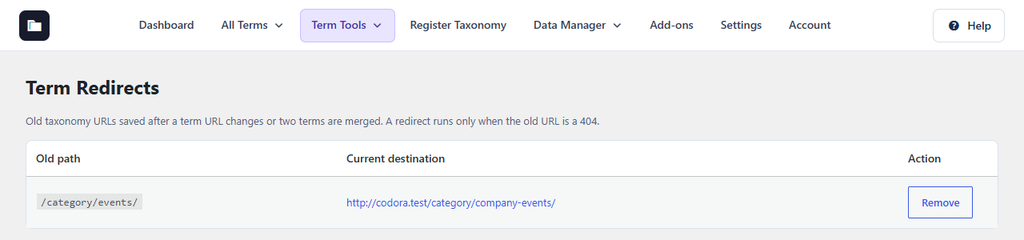
Figure 24. A redirect saved after the Events category slug was changed to company-events.
A redirect runs only when the old address would otherwise show a “page not found” error. Redirects need a permalink structure other than Plain (Settings → Permalinks). Deleting a term does not create a redirect.