
Import a CSV file from a web address on a schedule, for example a supplier’s category list.
- Turn on Remote CSV Sync in WP Taxonomy → Add-ons.
- Go to WP Taxonomy → Data Manager → Remote CSV Sync.
- Enter the CSV URL. Only public http and https addresses are allowed.
- Choose the Taxonomy and the Import mode: Create new terms only or Create or update by slug.
- Choose the Frequency: Hourly, Every 6 hours, or Daily.
- If the file needs a login, choose Bearer token or Basic authentication in Authentication and enter the credentials. Sources with a login must use https.
- Tick Enable scheduled sync and click Save sync settings.
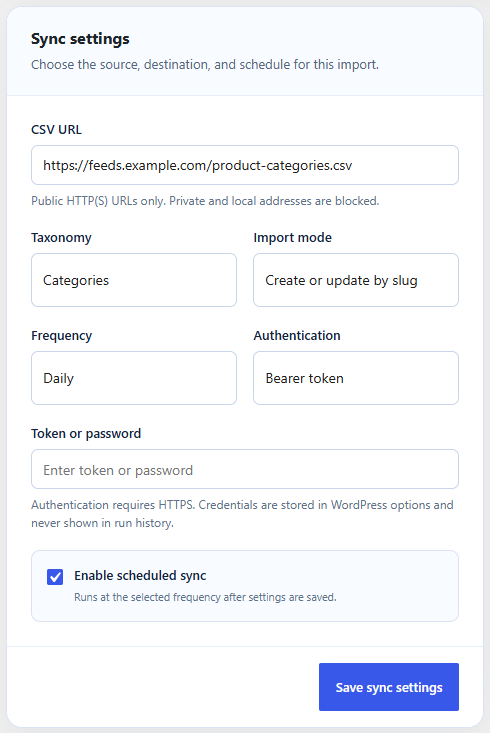
Figure 36. A daily sync of a category feed.
Click Queue run now to start a sync straight away. Recent runs shows the time, status, and the numbers of created, updated, and skipped terms for each run. The sync never deletes terms. Scheduled runs need the Action Scheduler library on the site.