
Set your own order for terms, for example to control the order of categories in menus and widgets.
- In Data Manager, select Categories, tags & terms and click Order.
- Choose a taxonomy and click Load terms. The top-level terms appear.
- Move a term by dragging its handle, clicking the up and down arrows, or typing a new position number.
- To order child terms, click Open children next to their parent. Click Top level in the breadcrumb to go back.
- Optional: tick Use this custom order for frontend term queries so that your site lists terms in this order.
- Click Save order.
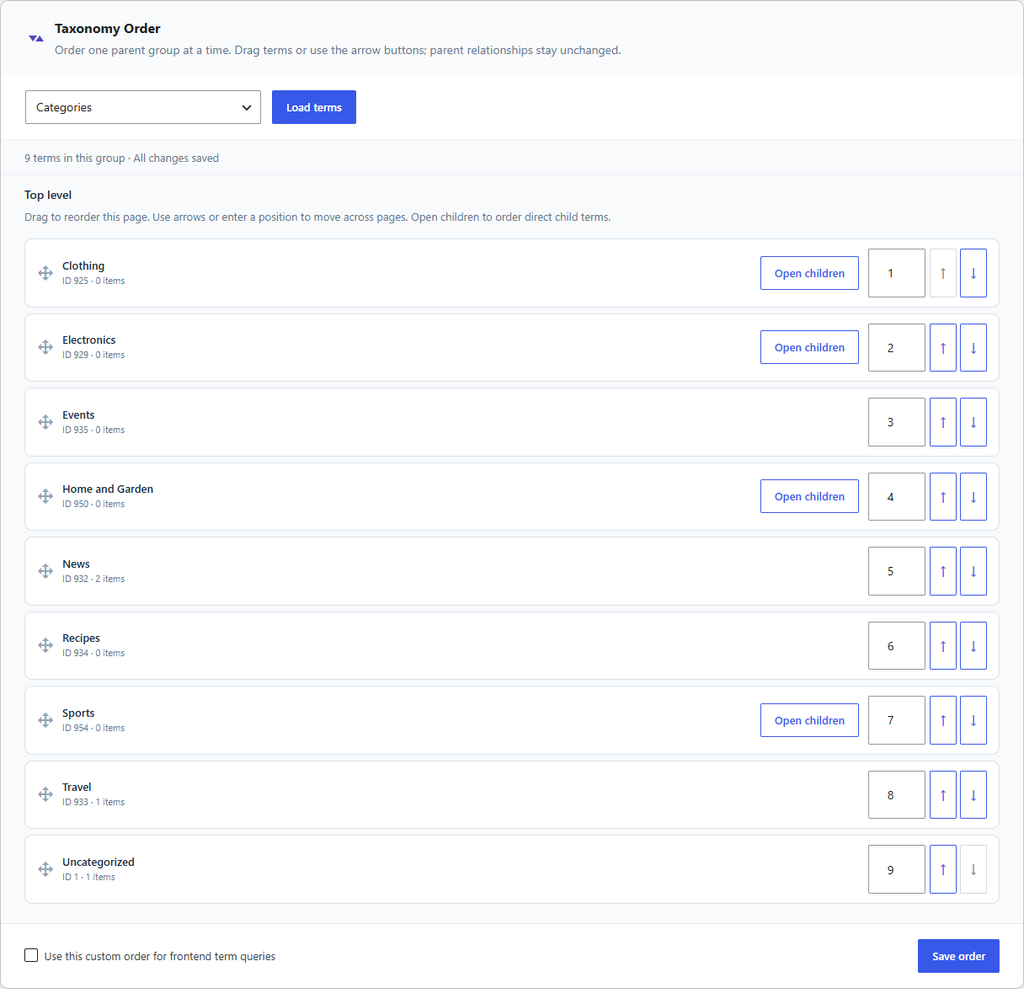
Figure 13. Top-level categories in the Order view.
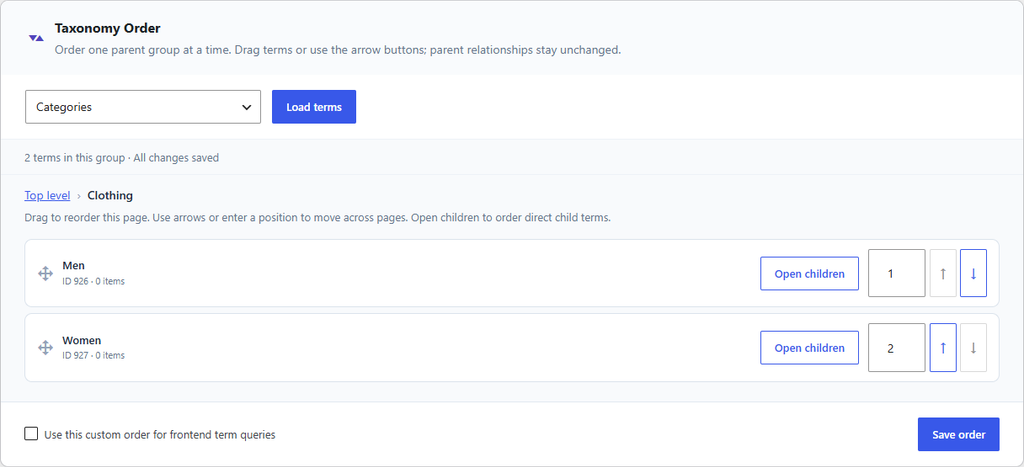
Figure 14. Ordering the child terms of Clothing.
Ordering changes only the position of terms that share a parent. It does not change names, slugs, or parents. Large groups load 100 terms per page and are saved in batches, so keep the page open until saving finishes. If a theme or plugin asks for its own sort order, that order is kept.