
Go to WP Taxonomy → Settings, change the options, and click Save feature settings.
| Setting | What it does |
| Maximum CSV size | The largest file the Advanced Import dry run accepts, from 1 to 100 MB. The default is 5 MB. Your server’s upload limit may be lower. |
| Maximum preview rows | The most rows the dry run reads, from 100 to 50,000. The default is 5,000. |
| Admin notices | Hides notices from other plugins on WP Taxonomy Manager pages. |
| Custom term links | Uses each term’s custom link when WordPress builds term links. Turning it off keeps the saved links. |
| Run history | How many Remote CSV Sync runs are kept, from 10 to 100. The default is 30. |
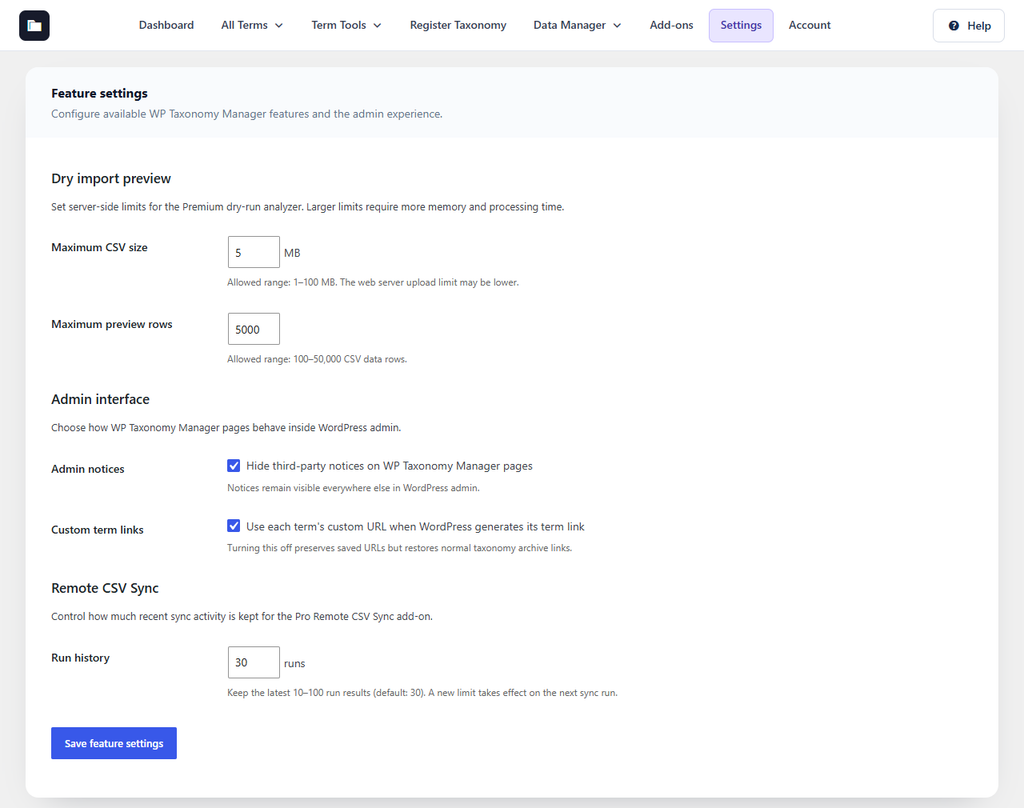
Figure 38. The Settings page.