
- Connect an AI provider in the WordPress AI Client (WordPress 7.0 or later).
- Go to WP Taxonomy → All Terms → Auto Tagging → AI Suggestions.
- Turn on Use AI suggestions.
- In Where should AI add terms?, choose the taxonomy.
- Click Save auto tagging settings.
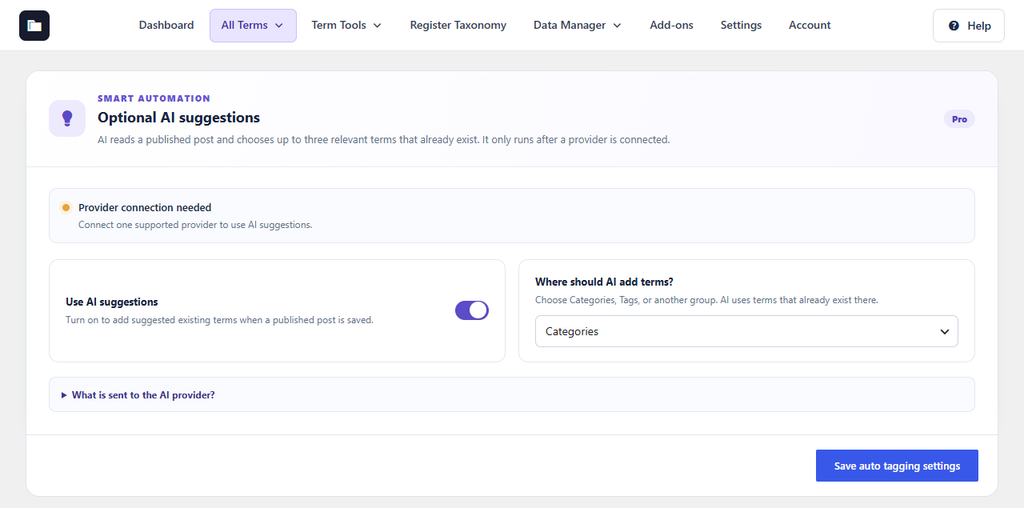
Figure 26. AI suggestion settings. The yellow status shows that no provider is connected yet.
When a published post is saved, the AI chooses up to three relevant terms that already exist. It never creates terms. Up to 6,000 characters of the post and up to 100 term names are sent to your AI provider. Click What is sent to the AI provider? for details.